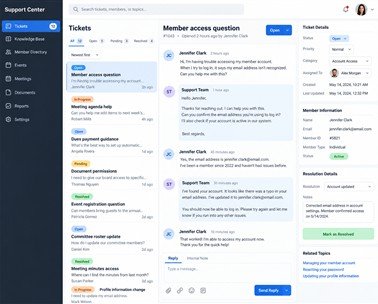




A focused workspace for member management, meetings, finances, communication, and governance.

Get Started
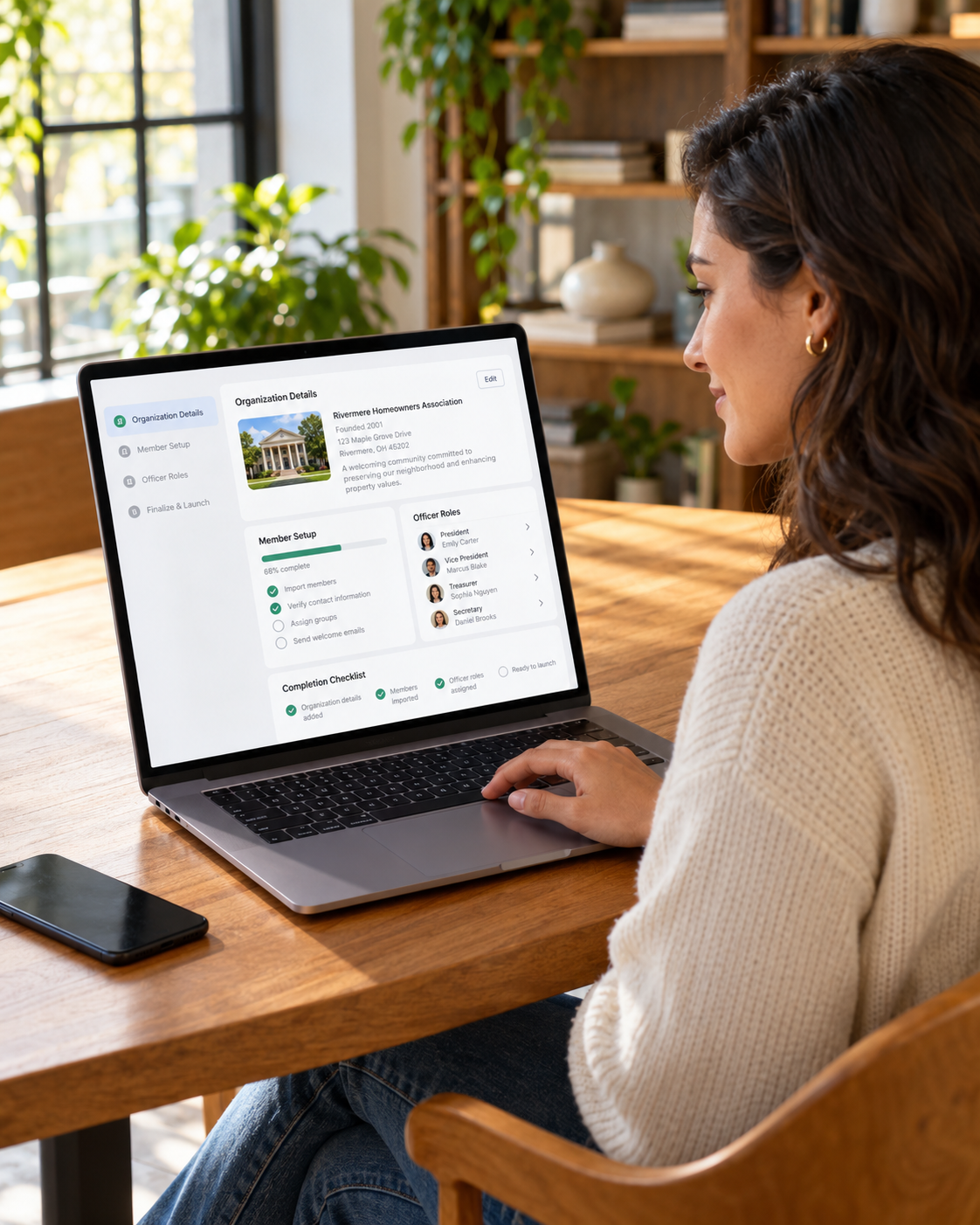
Association committee using the Asovex digital workspace

A practical starting path

Start with a clear workspace

Create the workspace, add members, and set roles for daily association work.

The starting sequence

Four steps from preparation to a working association.

Prepare your records

Gather the member details and association information your team needs to begin.

Prepared association records

Create the workspace

Register the association and complete the essential information for its workspace.

Association workspace setup

Build the member record

Add the people, profiles, and membership status that give the workspace its foundation.

Member record

Assign team responsibilities

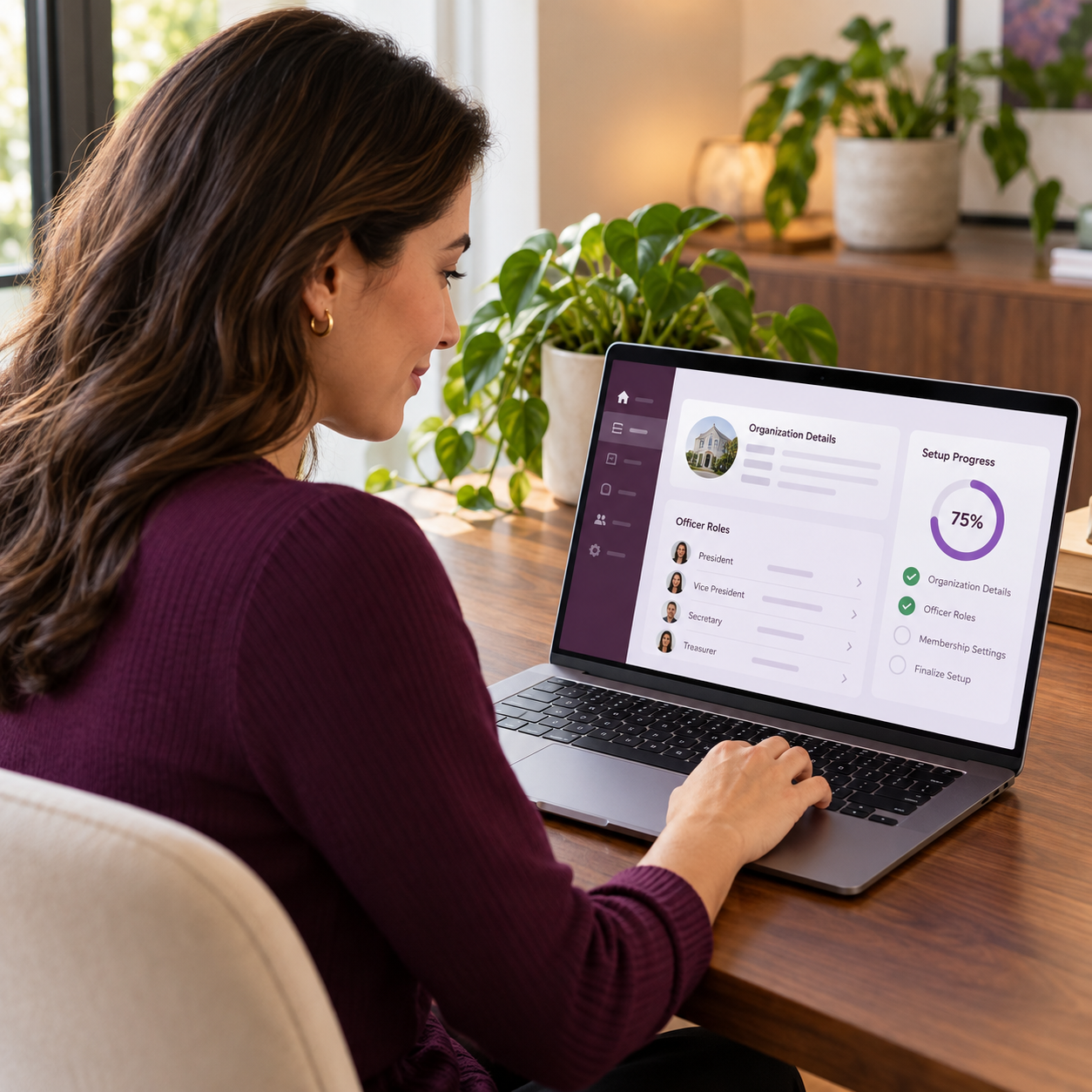
Give the people who carry the work access that reflects their association role.

Team responsibilities
Association administrator setting up the digital workspace Association officers assigning roles in the digital workspace Association team using the connected digital workspace
Client
Step

Set the foundation

Before daily work begins

Make the association workspace ready for the people who will use it.

Start with clear information, then give the right people the right association responsibilities.

Complete the association details, prepare the member structure, and decide who will be responsible for the records that need regular attention. This creates a sound starting point for the work ahead.

Association setup details

Confirm the association details

Responsible team access

Prepare the responsible team

Ready
See setup guidance
Move into daily work

Bring each responsibility into the workspace.

After setup, add the records and workflows your team needs first, then expand the workspace as association activity grows.

Explore the platform
First records

Add the people your association serves.

Member setup
Profiles
Explore members
Responsible access

Align access with the work each person carries.

Role setup
Access
View capabilities
Financial activity

Record dues and payment evidence for review.

Financial records
Review
Explore finance
Meeting governance

Plan meetings and keep the decisions they create.

Meeting record
Minutes
Explore meetings
Ongoing coordination

Keep documents, updates, and reporting close to the work.

Shared context
Continue
View capabilities
Association team collaborating

See the journey from first setup to everyday association work.

Watch Asovex in action

A practical journey for association teams carrying member, financial, meeting, and governance work.

Bring in the responsible people

Each role starts with the context it needs to carry the work.

Association administrator using the digital setup workspace

Association admins

Set the association foundation
Secretary using the digital meeting workspace

Secretaries

Carry meeting records forward
Treasurer using the digital finance workspace

Treasurers

Review financial activity clearly
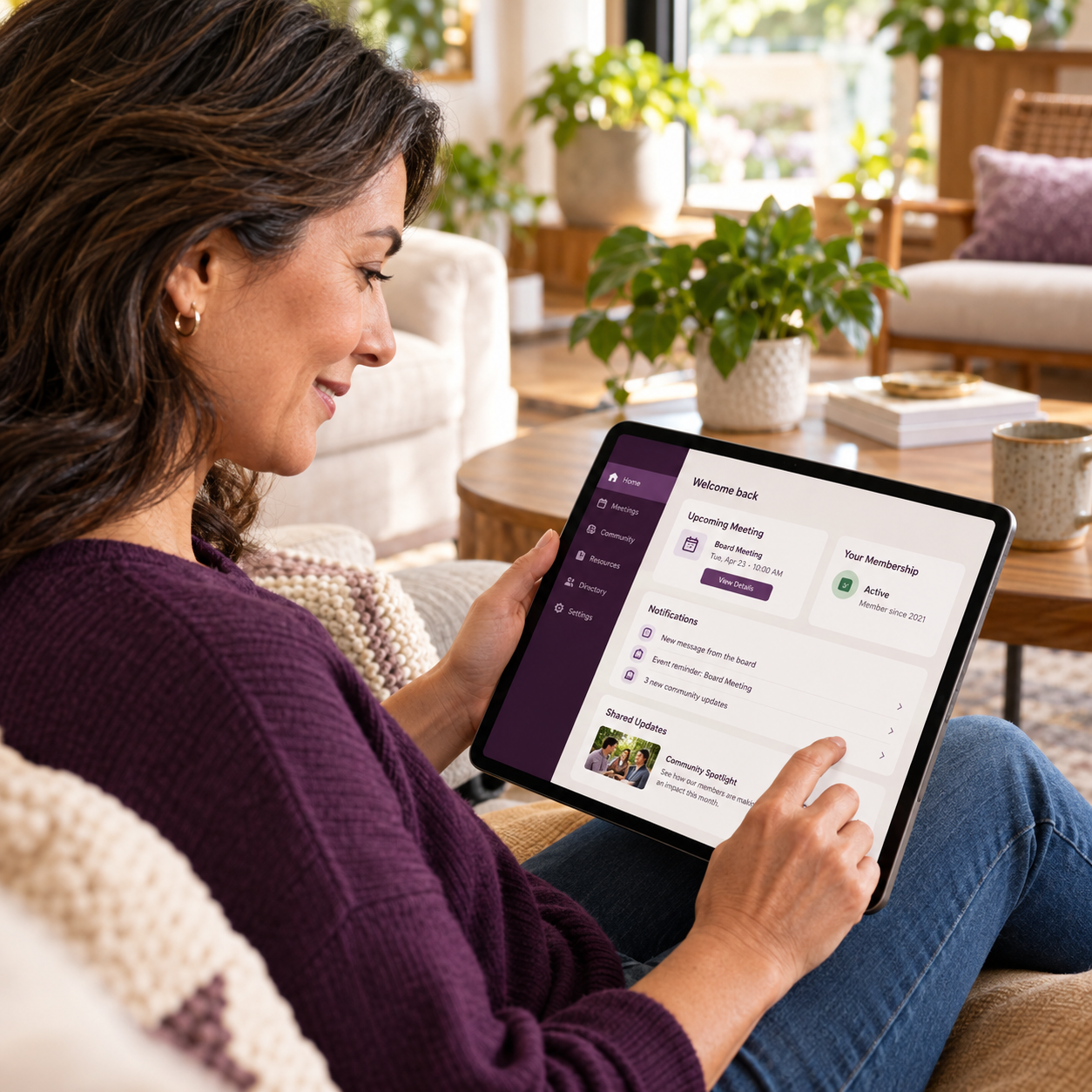
Member using their digital association workspace

Members

See their association context
Use the workspace as work happens

Keep the next responsible action close to the record behind it.

Once the foundation is in place, officers can keep association information, financial activity, meeting outcomes, and supporting material in the context needed for the next step.

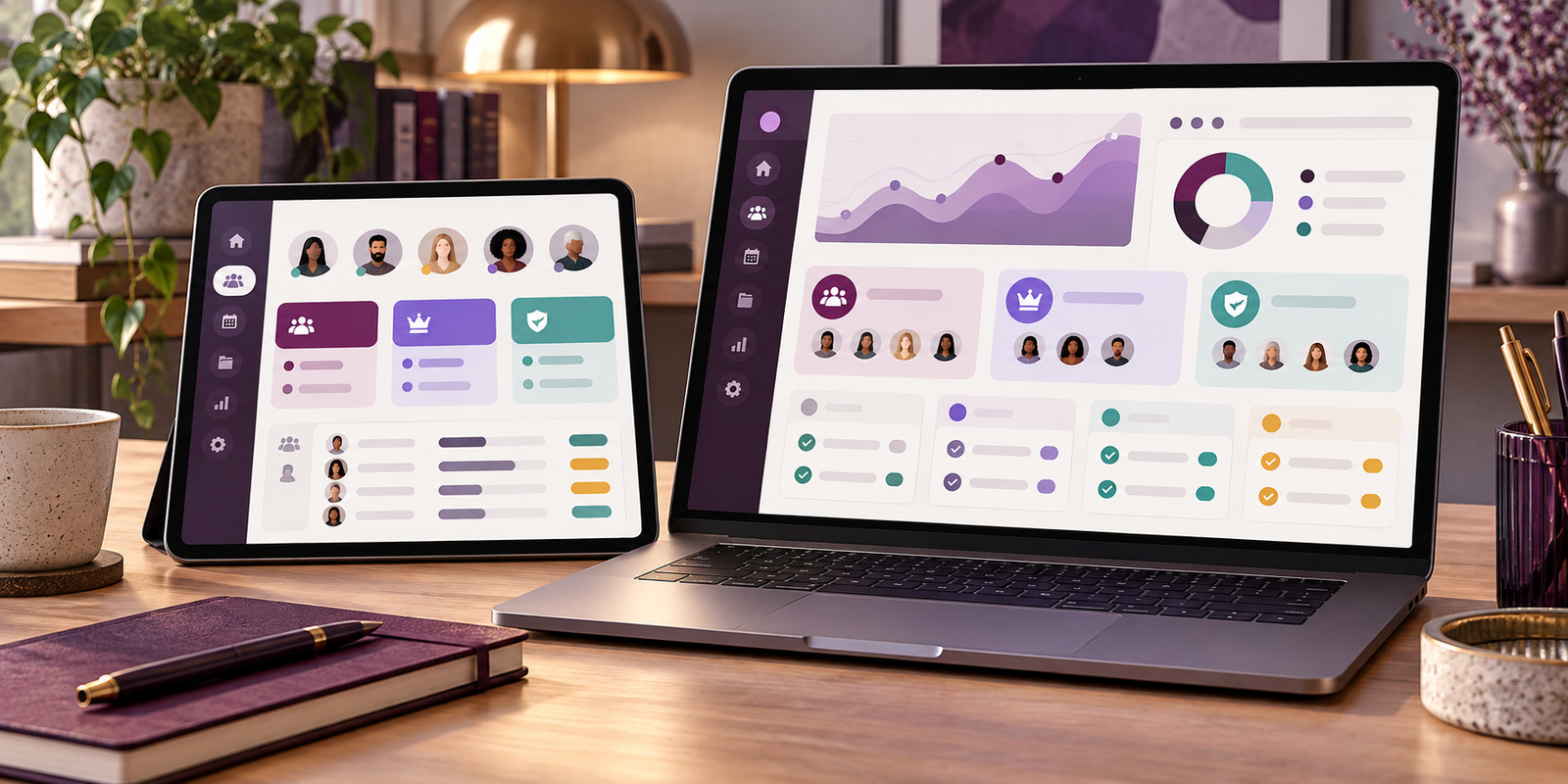
Connected association workspace
Continue with clear context
    • Keep records close to daily work
    • Give each role relevant access
    • Review decisions with their record
    • Carry work through handovers
Association work connected in one digital workspace Association officers reviewing digital activity and reports
One workspace
For association operations
Build the habit

Use the right workspace area as each responsibility comes up.

Member work

01

Keep profiles, membership status, and association participation organized.

Explore members

Start with

  • Member profiles
  • Membership status
  • Role context
  • Participation records

Financial work

02

Record dues, contributions, payment evidence, and financial activity for review.

Explore finance

Continue with

  • Dues and payments
  • Supporting records
  • Financial review
  • Reporting context

Meeting work

03

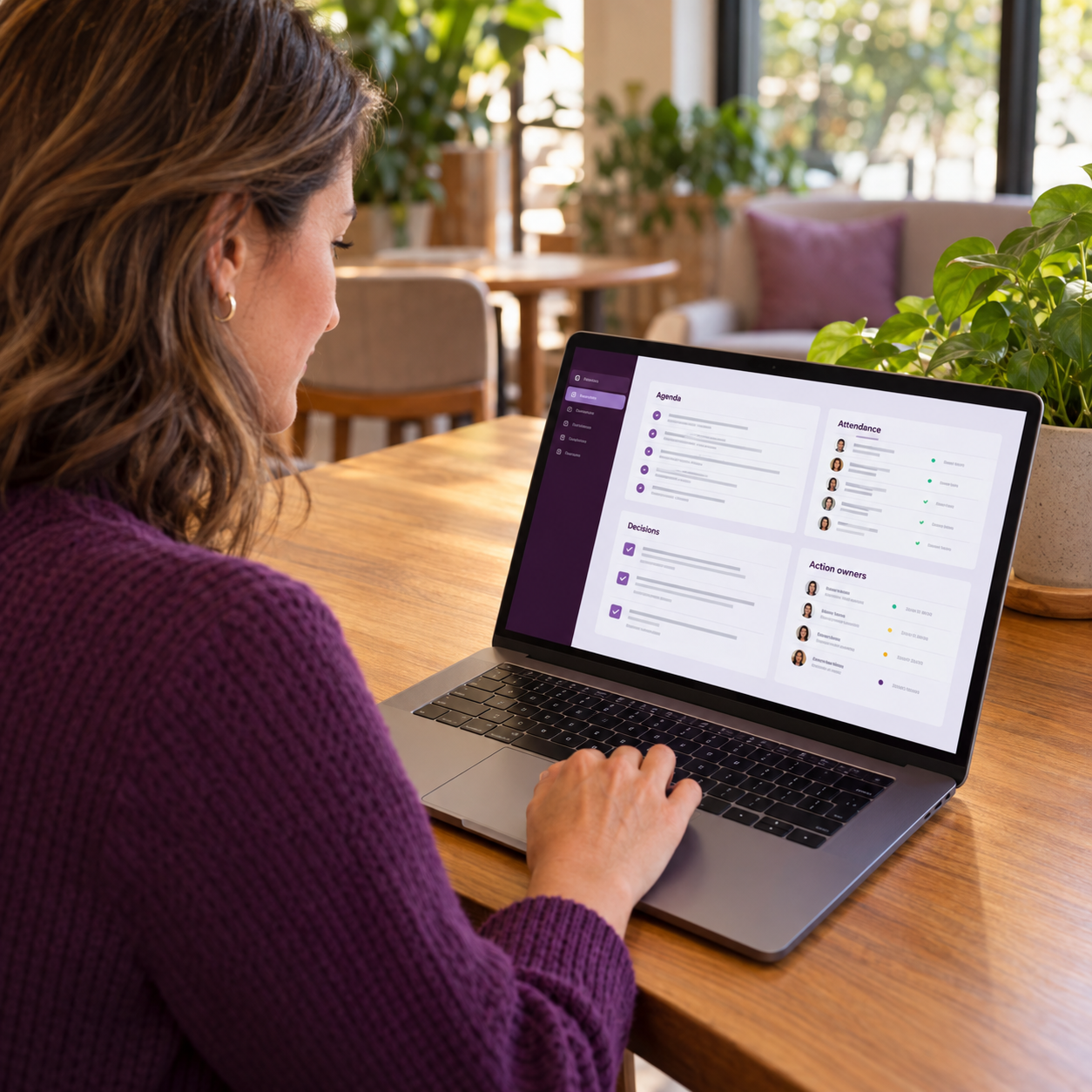
Plan meetings, record attendance and minutes, then keep decisions ready to follow through.

Explore meetings

Finish with

  • Agendas and attendance
  • Minutes and outcomes
  • Responsible actions
  • Ongoing governance
Association team using the digital workspace

Ready to take the first step?

Start the workspace, then use detailed guidance whenever your team needs it.

What daily work looks like

Use the workspace where the responsibility happens.

Membership
Member records
Digital member workspace

Keep membership changes in a reliable record.

Profiles, roles, and status Participation with context
Verified member record Members
Explore members
Digital member workspace
Finance
Financial activity
Digital finance workspace

Keep dues and payment records ready for review.

Contributions and payment proof Financial reporting context
Dues review record Finance
Explore finance
Digital finance workspace
Meetings
Meeting governance
Digital meeting workspace

Keep decisions connected to the action that follows.

Agendas, attendance, and minutes Follow-through after meetings
Meeting follow-through Meetings
Explore meetings
Digital meeting workspace
Go deeper when needed

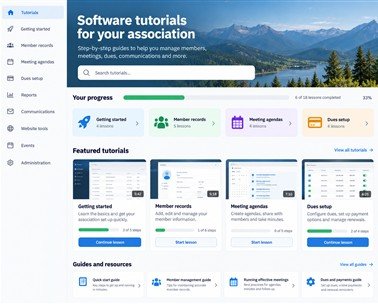
Detailed guidance for each stage of the journey.

Explore tutorials
Tutorial guidance
Setup guide First stage

Prepare your association records.

Use practical guidance to gather the information your workspace will need.

Open tutorials

Tutorial guidance
Member guide Setup stage

Build a reliable member record.

Find detailed support for organizing member information and status records.

Open tutorials
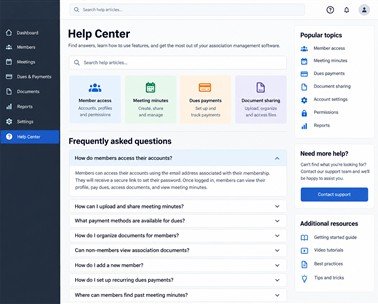
Tutorial guidance
Workflow guide Daily work

Continue with guided everyday workflows.

Use tutorials to build confidence as new responsibilities come into the workspace.

Open tutorials