
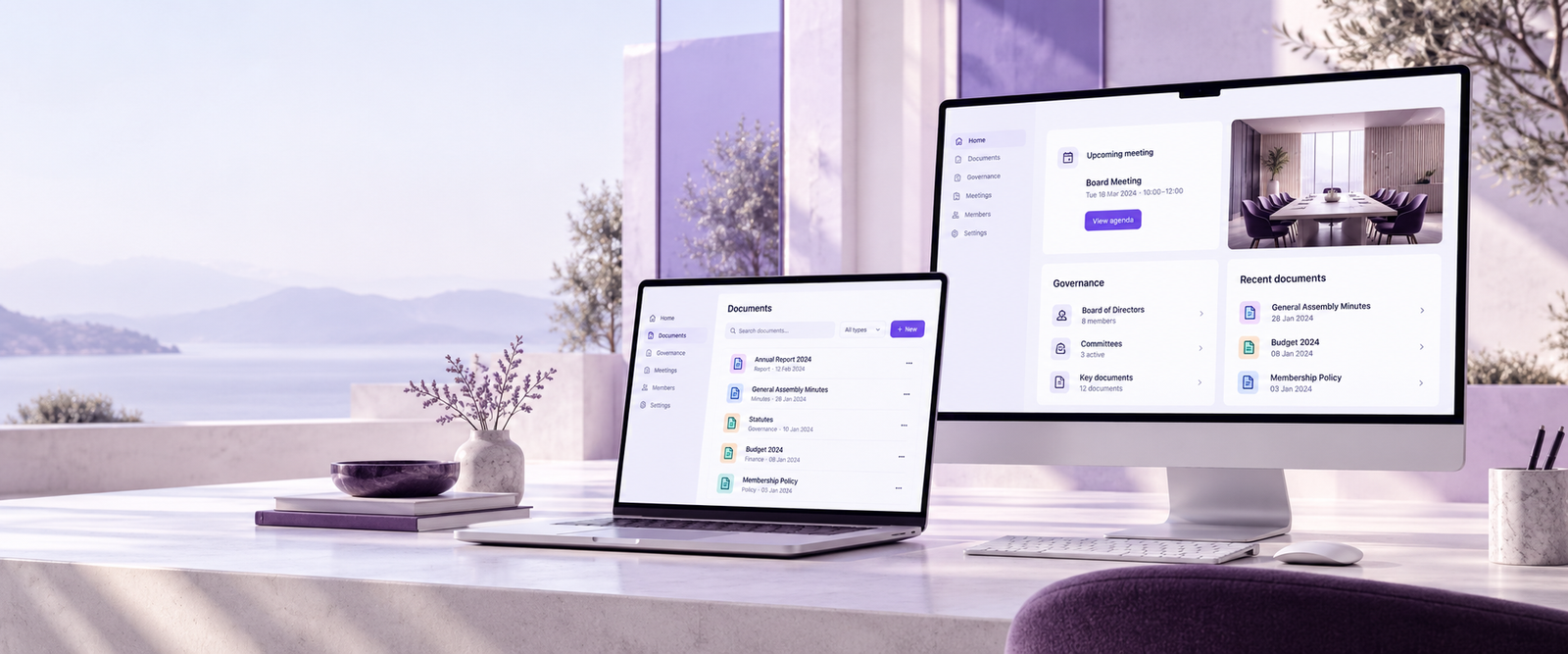
A calm, capable Asovex workspace for your Mac.
Organize members, meetings, documents, and responsible association work from a focused desktop experience designed for macOS.
A focused Asovex experience for macOS.
Download Asovex, open the disk image, and follow the standard macOS steps to place the application in your Applications folder.
From download to your Asovex workspace.
Follow these platform-specific steps to install Asovex and continue with your association account.
Download Asovex from this official page.
Open the downloaded disk image.
Move Asovex to your Applications folder.
Open Asovex and continue with your association account.
macOS download guidance.
Use the official download action on this page, then follow the platform-specific installation steps shown below.
Yes. This is the official Asovex download center for macOS. Avoid copying the application from unverified third-party websites.
Available version, date, size, architecture, and checksum information appears in the download panel when applicable.
Use the Asovex Support Center for assistance and the Tutorials hub for practical guidance on using the platform.
Downloads, learning, and help stay connected.
Use the Download Center for another device, explore practical tutorials, or contact Asovex Support whenever you need assistance.